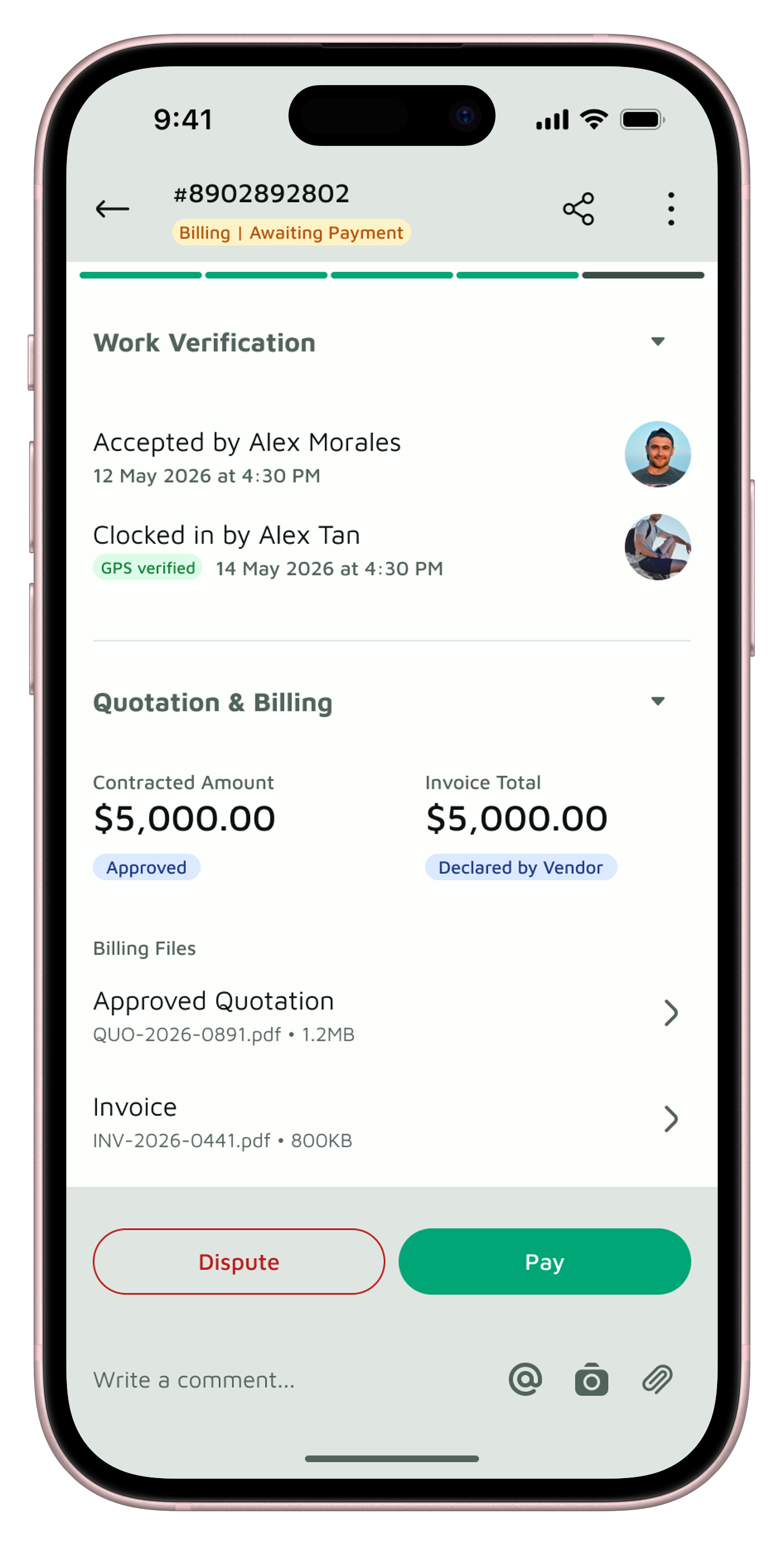
Approve every quote and payment with confidence.
See the vendor’s quote, the job status and the photo proof in one place, so your council knows what it’s signing off before the money moves.
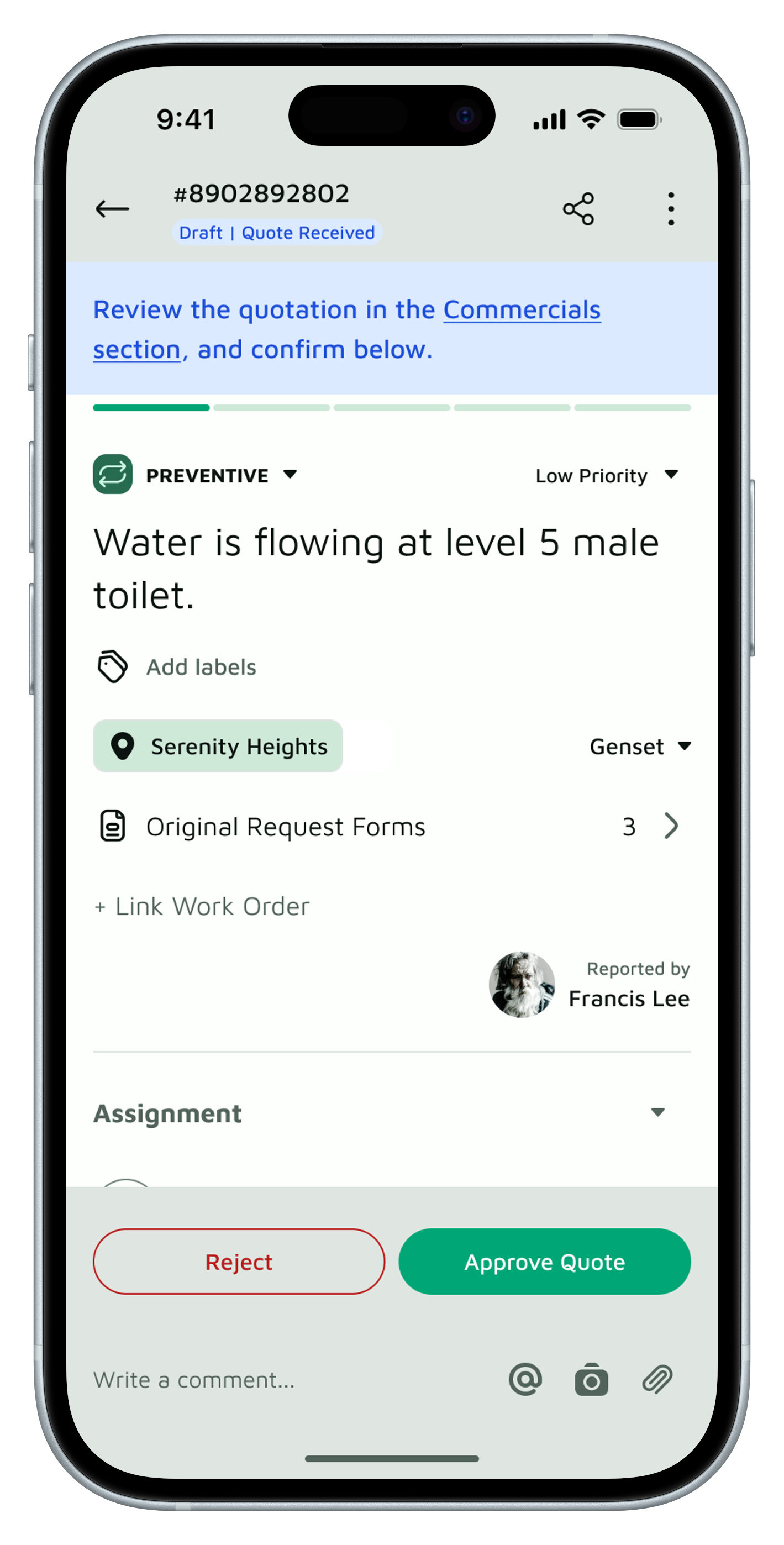
Approve quotes knowing what you’re approving.
Lost documents during MA handovers
The vendor’s quoted amount and quotation PDF in one place, Accept or Reject, and the signed quote kept on file.
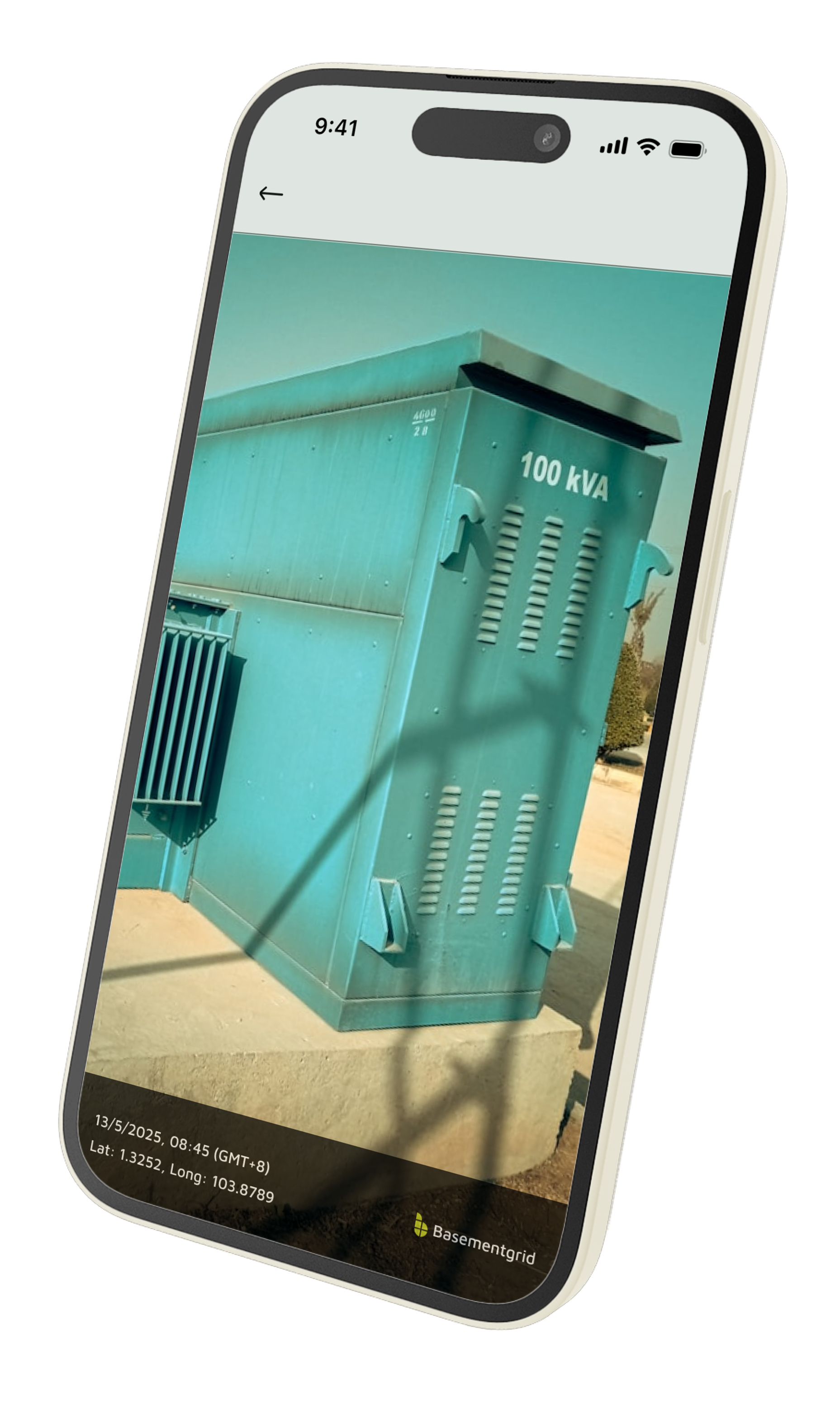
Pay only for work you can verify.
Vendor bills with no proof the work was done
Every completed job comes with timestamped photos.
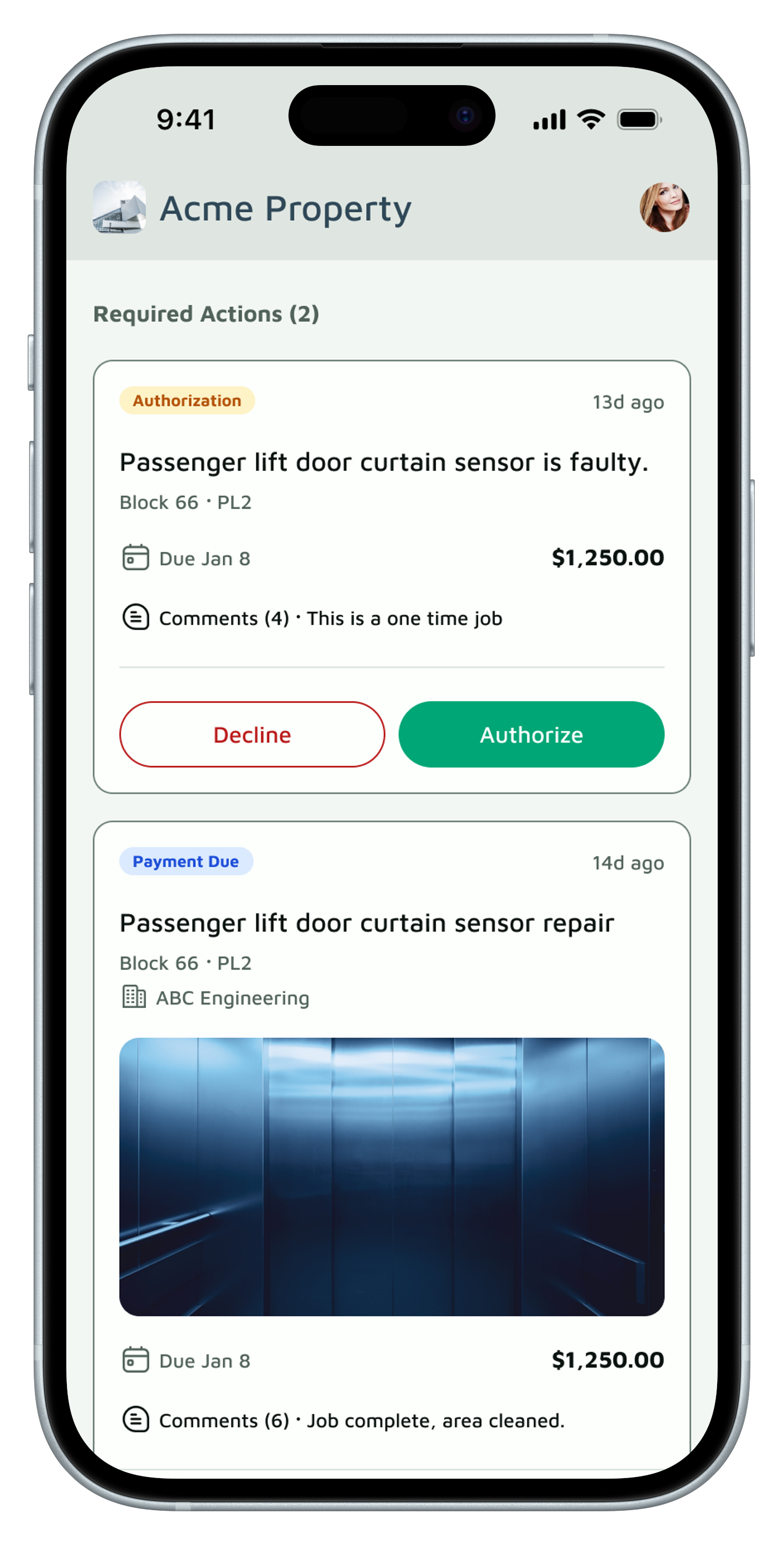
Spending above your limit comes to you.
Fund approvals no one can trace
Your thresholds set in advance, and only the right approvers asked to sign off.
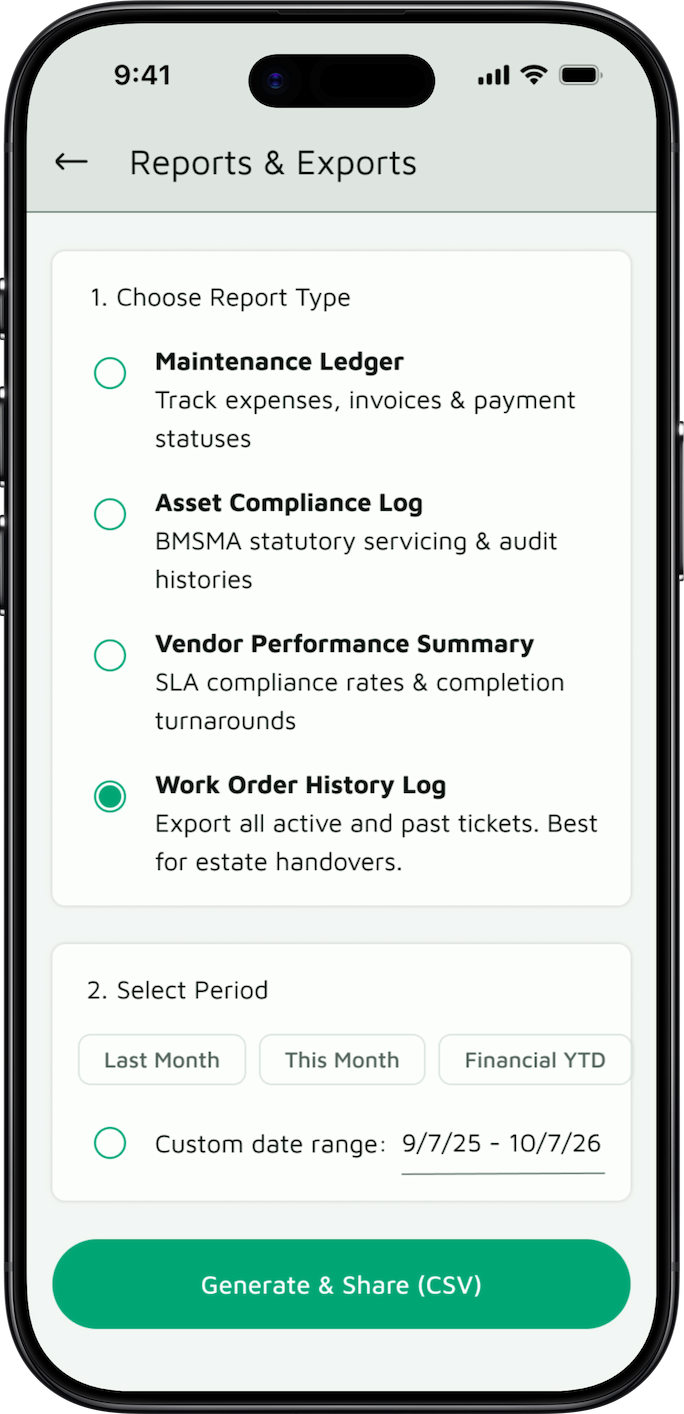
Answer AGM questions from the record.
Chasing the MA for reports before the AGM
Every approval, quote, and payment is on record, so you can pull the full picture before the meeting.
A new council shouldn't have to start from scratch.

See where the money goes.
Every payment, approval, and change is logged and searchable, in BMSMA-compliant records. Decisions are backed by documents, not by what one volunteer remembers.

Answer owners' questions in seconds.
Approvals, quotes, and payments are timestamped and searchable. When an owner or auditor asks why something was approved, you can find the answer without going through old emails.

Protect yourself as a council member.
If a decision is questioned years later, after you've left the council, the audit trail shows what was decided, by whom, and on what basis.
Built around how Singapore MCSTs operate.

100%
Data retention across MA handovers

100%
Approvals traceable with a permanent audit trail

PDPA-Aligned
Data handling, hosted on AWS
Trusted by councils at



Frequently Asked Questions
The vendor’s quoted amount and their quotation PDF, side by side in one place. The vendor enters the price in the app themselves, so nobody retypes an amount from a PDF. When a quote is accepted, a signed copy stays attached to the work order. A rejected quote isn’t deleted, so you can always see what was offered.
The vendor’s technician clocks in with a GPS-verified check-in and submits a completion record with photos taken on site, with no uploads from the photo library. Your MA or building manager verifies the work in the app before the job is closed, so you can see the evidence before approving payment.
Your council sets approval thresholds in advance. Spending above a threshold goes to your approvers for sign-off before the work order is issued, and every approval is recorded with who approved it and when.
Very little. You don’t need to log in daily. You’re notified only when something needs your approval, such as spending above your council’s threshold.
Yes, but their part is light. Your MA creates or converts a work order when a fault is reported, then verifies the vendor’s completed work in the app. Everything else is recorded automatically.
Keep a record that outlasts your term.
Set up your MCST's maintenance and approval history in minutes. Free to start, no commitment.
100% PDPA Compliant · Enforces BMSMA Guardrails · Works with Singapore Corporate Banking